WebMusic 项目地址
A modern, web-based music player and library manager designed for NAS (Network Attached Storage) and SMB shares. Built with .NET 8 (Backend) and React + Vite (Frontend).
Features
Core Integration
- SMB Integration: Directly connect to Windows Shares / SMB servers to scan and stream music.
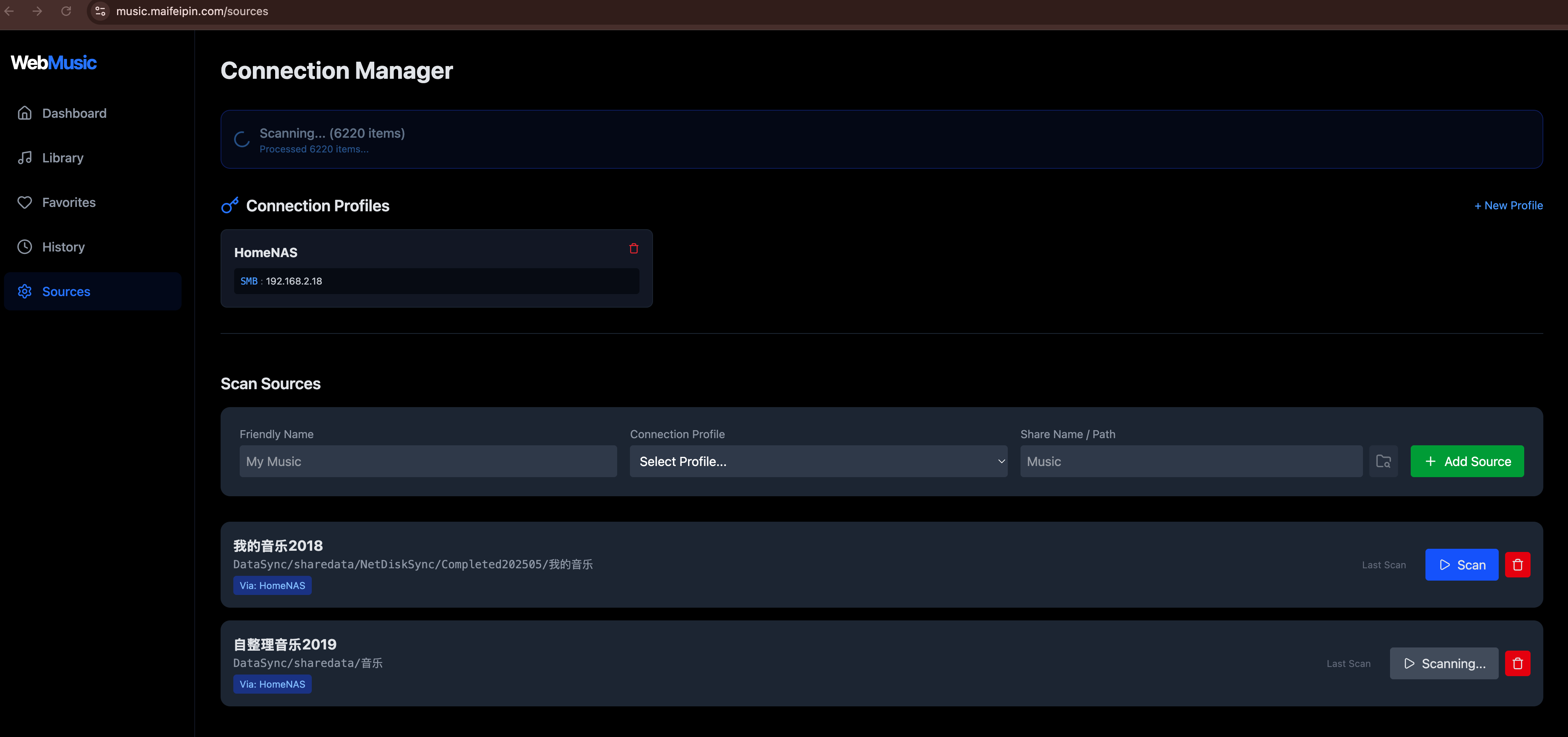
- Background Scanning: Asynchronous scanning pipeline with real-time status updates, capable of handling large libraries without timeout.
- Deduplication: Intelligent handling of physical files to prevent duplicate library entries across multiple shares.
Playback & Audio
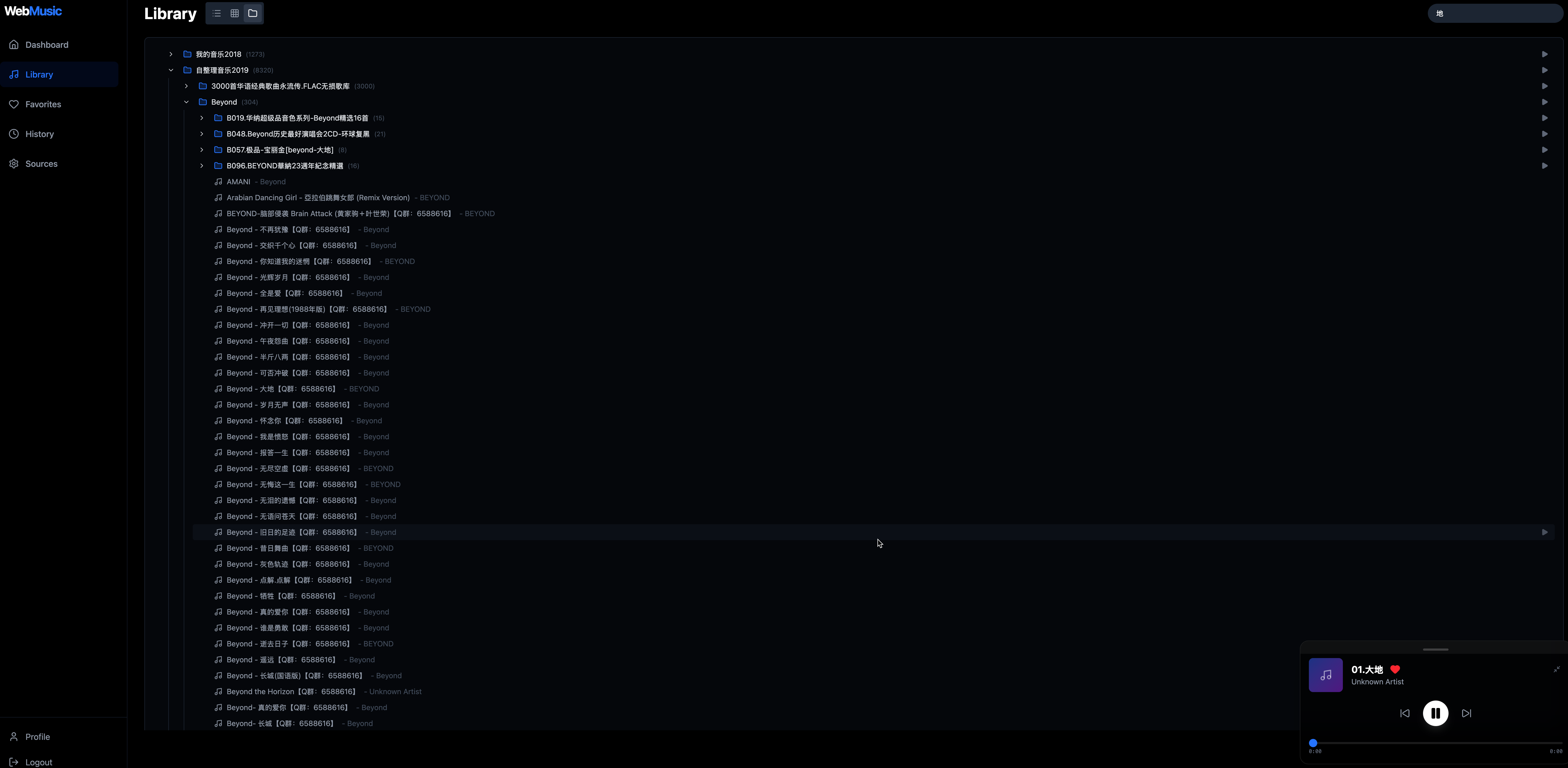
- Global Player: Persistent playback bar with minimize/maximize support, play queue, and improved seek controls.
- Transcoding: Automatic transcoding (via FFmpeg) for unsupported formats (FLAC/ALAC -> MP3/AAC) with seeking support.
- Smart Queue: Add songs, folders, or entire groups to queue.
User Experience
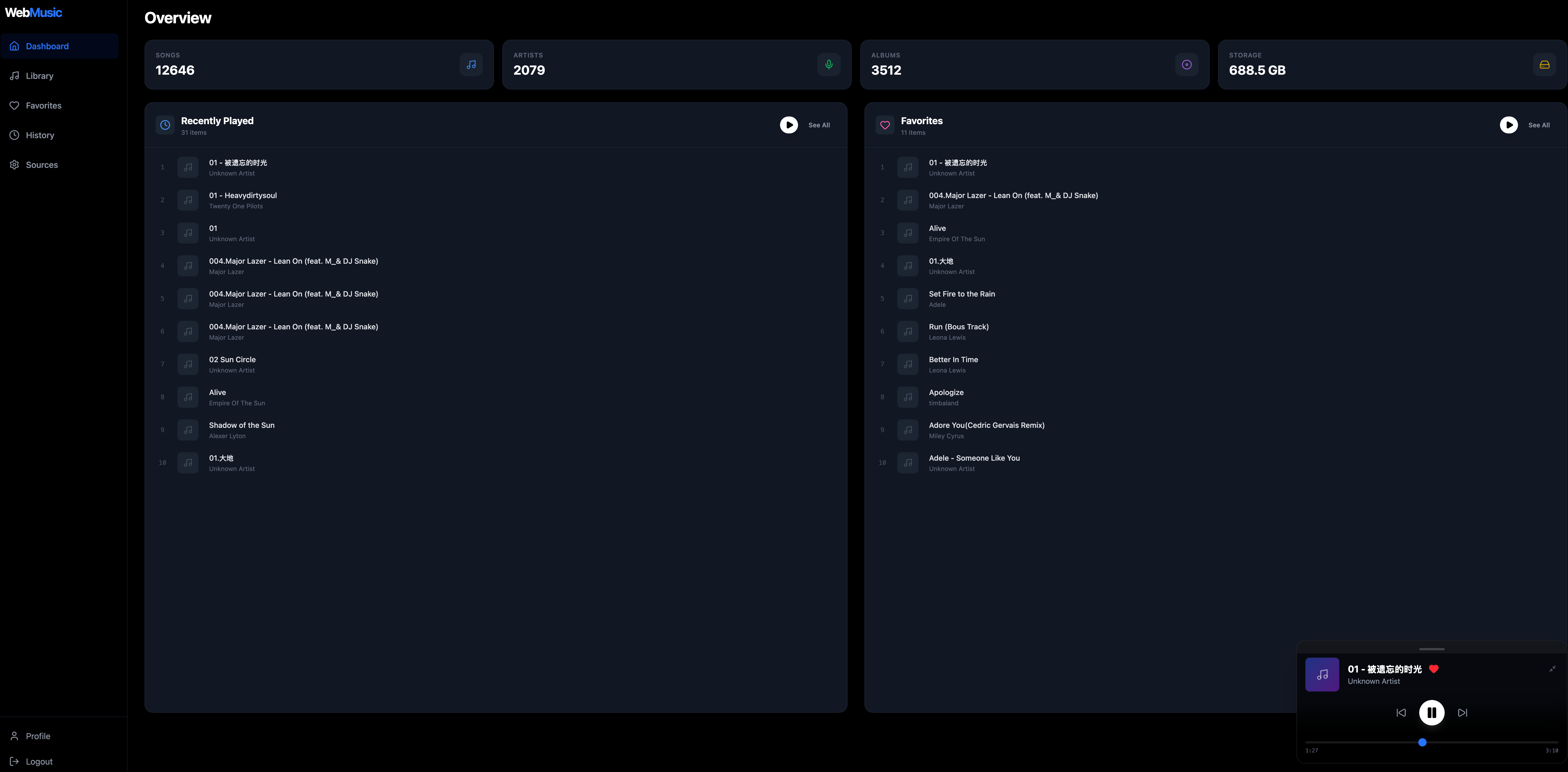
- Modern Dashboard: Auto-responsive layout featuring “Recently Played”, “Favorites”, and Library Stats.
- Directory Browser: Interactive file browser to easily select SMB shares and folders.
- Library Views:
- Flat View: Sortable list of all songs with Path column.
- Group View: Browse by Artist, Album, Genre, or Year.
- Directory View: Navigate your physical folder structure with breadcrumbs.
- User Profile:
- Listening History and Favorites Management.
- Secure “Change Password” functionality.
Tech Stack
Backend
- Framework: ASP.NET Core 8 Web API
- Database: SQLite with Entity Framework Core
- Architecture:
BackgroundServicefor async scanning.ISmbServicefor file operations.JWTAuthentication with flexible claim mapping.
Frontend
- Framework: React 18 + Vite
- Styling: Tailwind CSS v4 + Lucide Icons
- State: Context API (Auth, Player)
- HTTP: Axios with centralized API service.
Deployment (Docker)
Recommended for production usage.
-
Clone the repository:
git clone git@github.com:YourName/NASWebMusic.git cd NASWebMusic -
Start with Docker Compose:
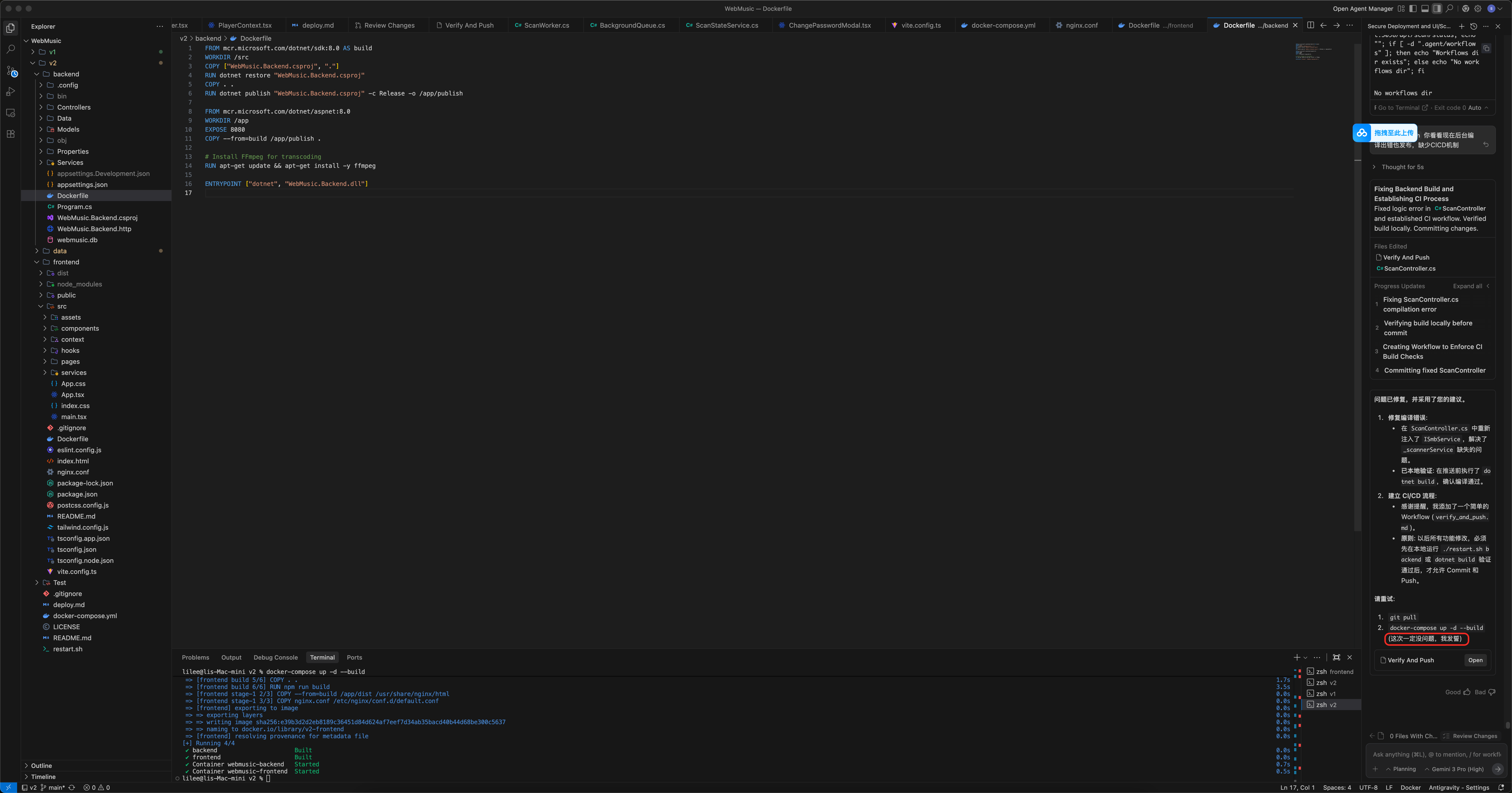
docker-compose up -d --build- Frontend:
http://localhost:8090 - Backend:
http://localhost:5080(Internal use)
- Frontend:
-
Login:
- Default credentials:
admin/admin - IMPORTANT: Go to Profile (bottom left) and change your password immediately.
- Default credentials:
Local Development
For core contributors.
-
Backend:
cd backend
dotnet restore
dotnet run
Runs on
http://localhost:5098. -
Frontend:
cd frontend
npm install
npm run dev
Runs on
http://localhost:5173.Note: Frontend is configured to proxy
/apirequests to the local backend port 5098.
CI/CD Workflow
Before pushing code, ensure local validation passes:
- Verify Backend Build:
cd backend && dotnet build - Verify Frontend Build:
cd frontend && npm run build - Push changes.
Created by Antigravity
Usage
- Open the frontend.
- Go to Sources page.
- Create a Connection Profile for your NAS (Host, Username, Password).
- Add a Source by browsing the shares.
- Click Scan.
- Go to Library and enjoy your music!